Go to the Settings tab in Parent App
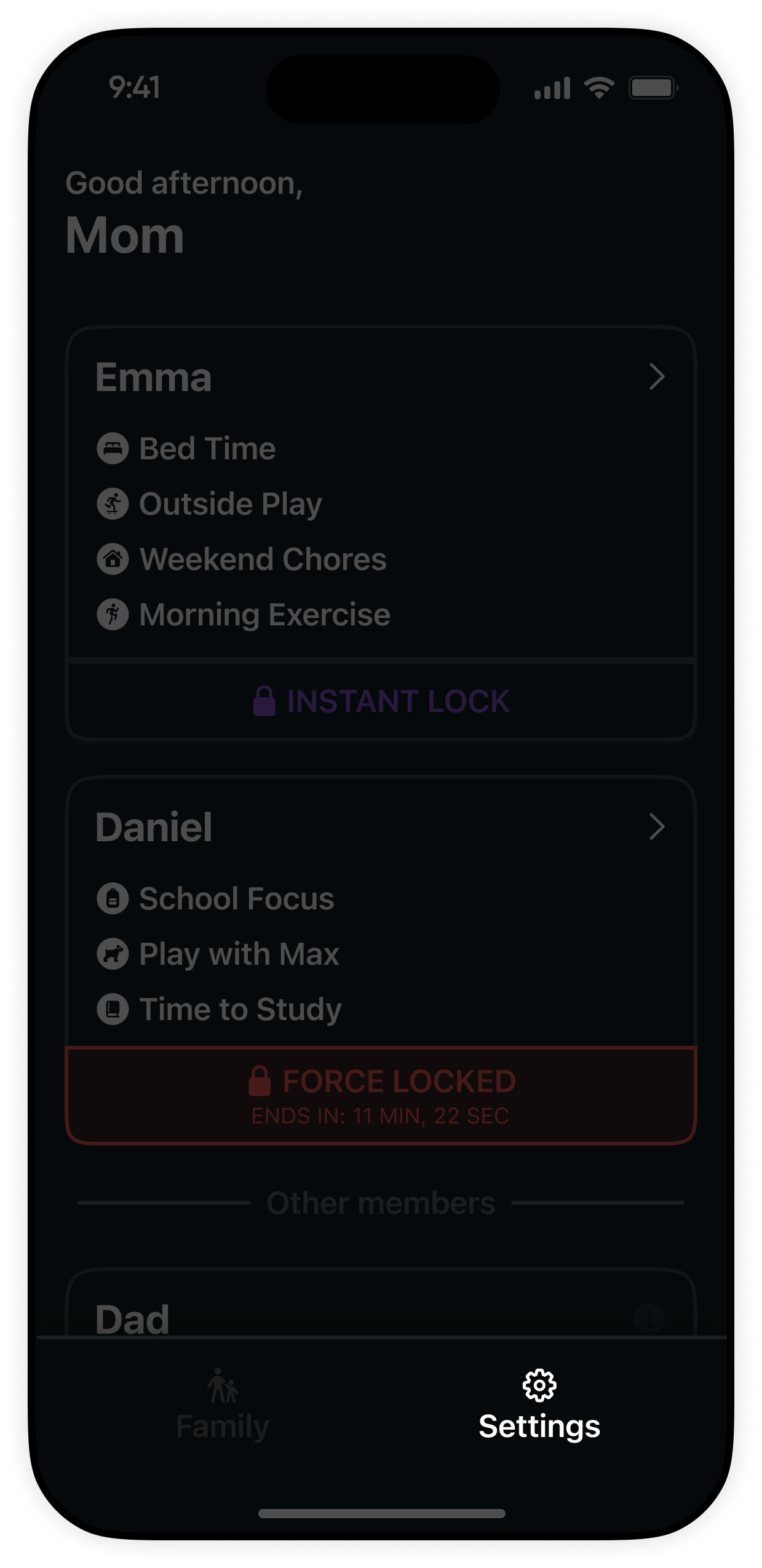
Open the KidoPal app on your primary parent device. In the bottom navigation bar, tap on the Settings tab icon.
Connect a spouse, grandparent, nanny, or co-parent to your KidoPal family circle in five quick steps.
Open the KidoPal app on your primary parent device. In the bottom navigation bar, tap on the Settings tab icon.
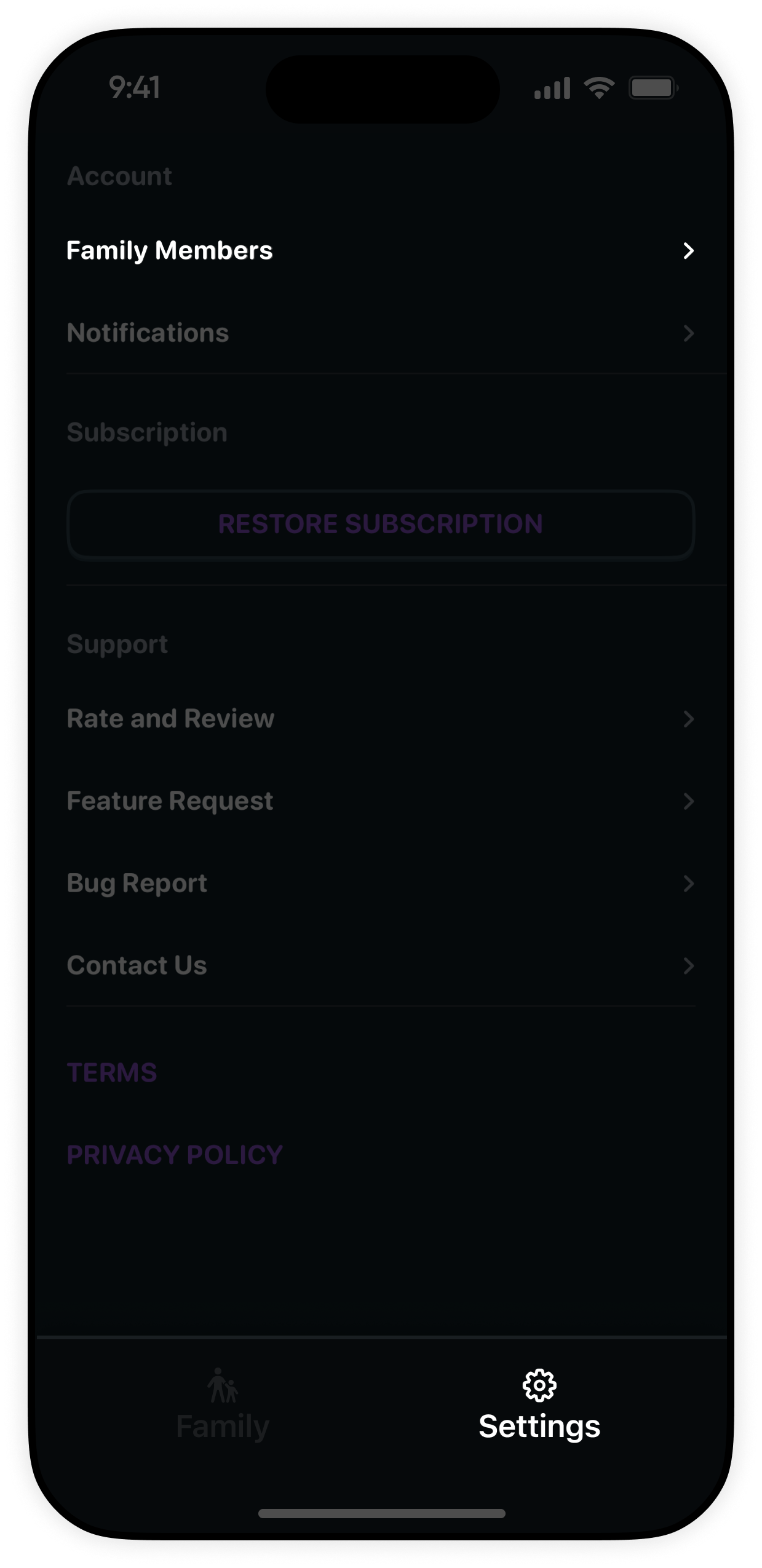
Inside the Settings menu, locate and tap on Family Members to manage parents, guardians, and children profiles.
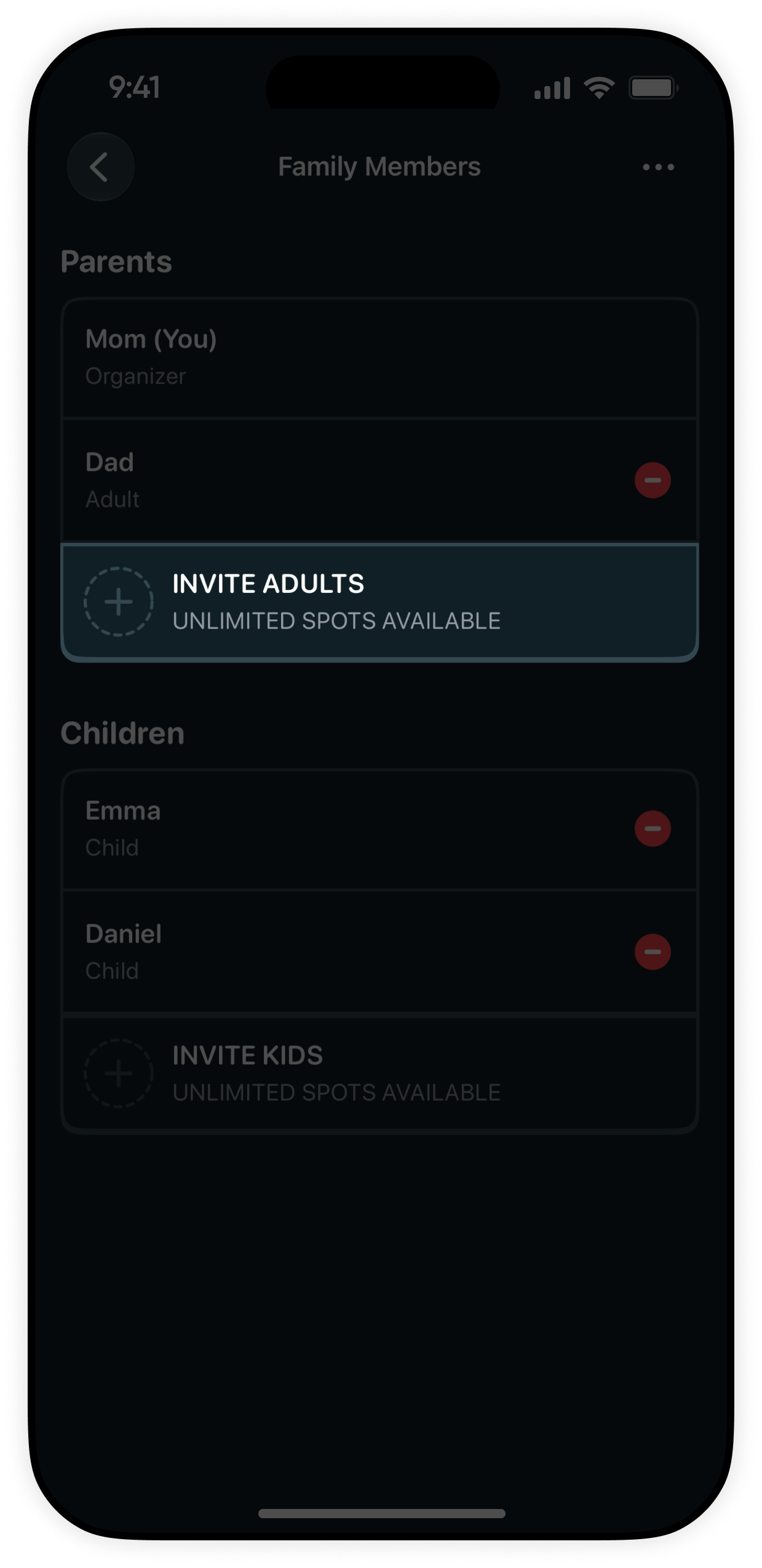
Under the Adults section in Family Members, tap the Invite Adults button to initiate an adult invitation.
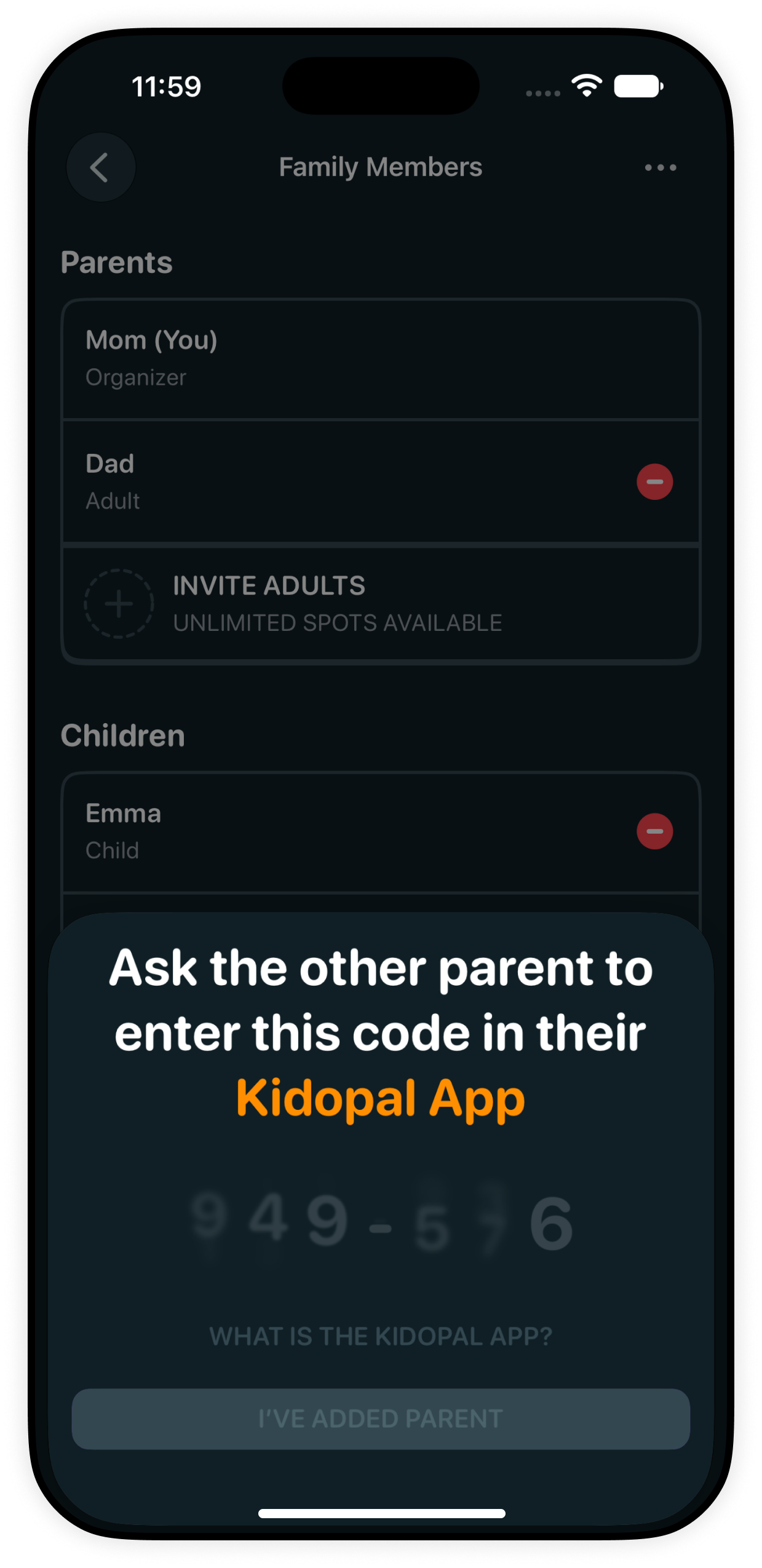
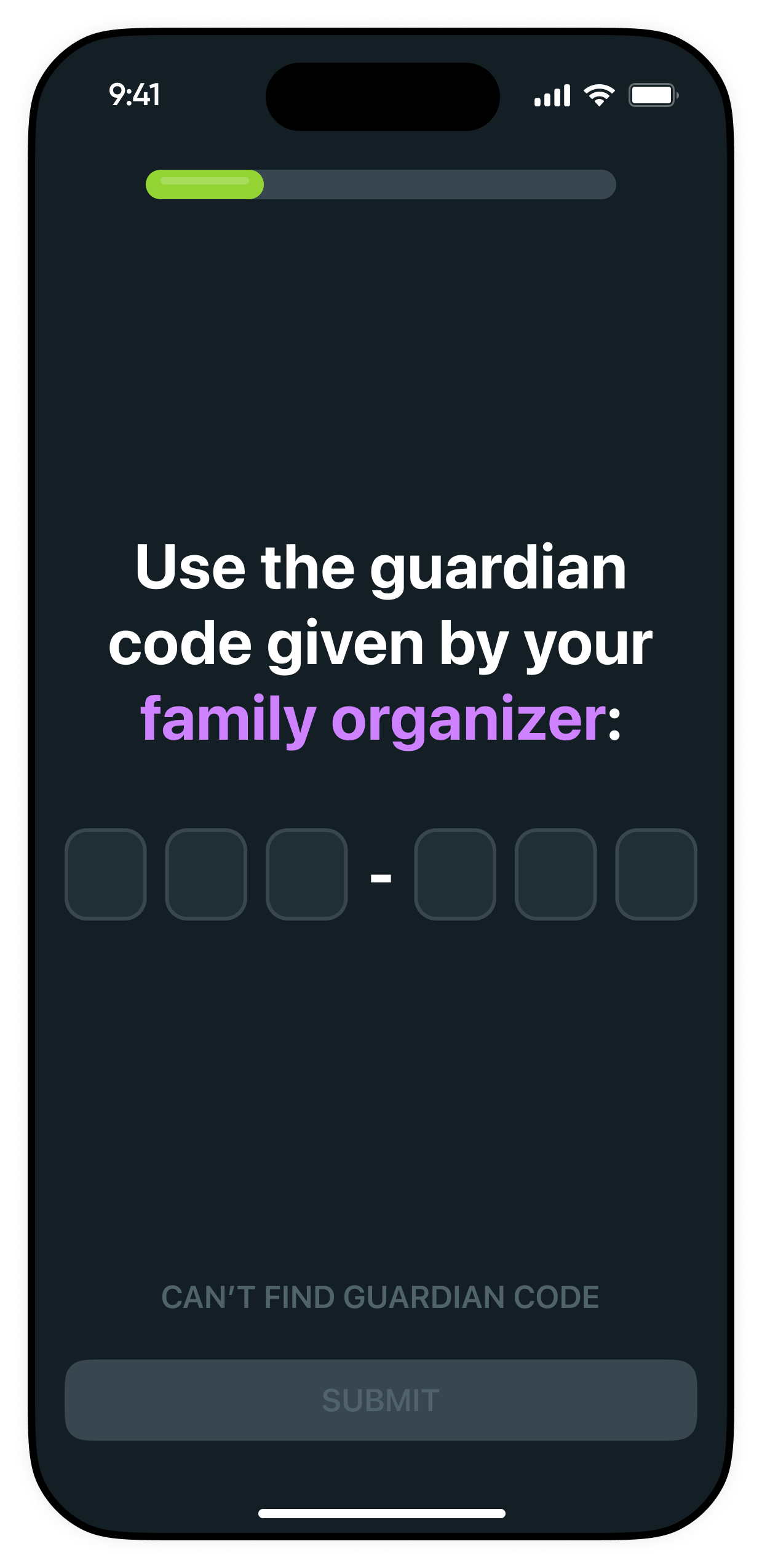
KidoPal generates a secure 6-digit pairing code on your screen. Share this code with your co-parent, spouse, or guardian.
Open the KidoPal app on the other adult's device, select Join Family, enter the pairing code from Step 4, and connect.
Everything you need to know about shared supervision and care circles in KidoPal.
Both parents get equal, real-time oversight to view daily routines, adjust time limits, and trigger instant remote locks.
Invite grandparents, nannies, co-parents, or trusted guardians with peace of mind. Manage your entire care team from one place.
Any changes made by one parent update immediately on all family devices and children's devices via secure Apple iCloud sync.